5 reasons your website is invisible on ChatGPT
Your site never comes up when someone asks ChatGPT a question? Here are the 5 most common mistakes — and how to fix them.
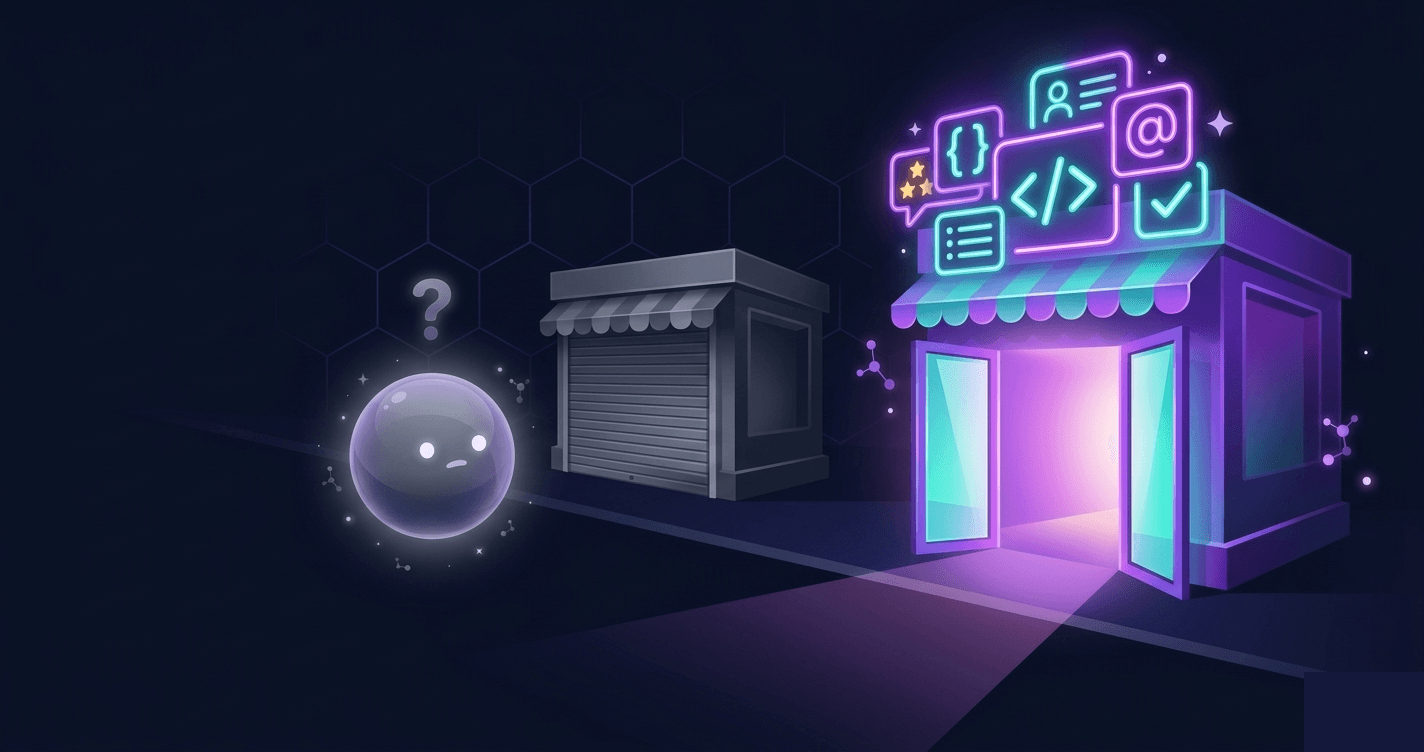
You have a good site, but ChatGPT ignores it
We hear the same frustration all the time: "My site is well-made, well-ranked on Google, with real content -- but when I ask ChatGPT about my field, nobody mentions me."
If that sounds familiar, it's probably not a quality problem. It's a signals problem. AI doesn't evaluate your site the way a human would. It looks for very specific clues -- and if those clues are missing, it moves on.
Here are the 5 reasons we see most often, ranked by how frequently they come up, along with the impact each one has on your visibility.
1. AI doesn't understand who you are
Prevalence: affects roughly 70% of small business websites Impact: Critical -- without this, AI cannot accurately describe your business
This is the most common issue. Your site might look professional, but to AI, it's just a big block of text with no context.
AI looks for structured information in your code -- invisible data that describes your business in a format it understands instantly. Without it, AI has to guess what you do. And it prefers to cite sites that do the work for it.
The impact is proven: when this information is present, AI gives correct answers 3 times more often.
What you can do: Ask your developer to add "structured data" (that's the technical term) describing your company, your services, and your common questions.
Test it now: Go to Google's Rich Results Test and paste your homepage URL. If it shows "No rich results detected" or only shows basic information, you're missing the structured data that AI relies on.
2. Your content is anonymous and undated
Prevalence: affects about 60% of business websites Impact: High -- AI applies a credibility filter that penalizes unsigned content
AI applies a credibility filter. If your content has:
- No author -- nobody signed it
- No date -- no way to tell if it's recent
- No sources -- no links to studies or references
... then AI considers it less reliable, even if the content is excellent. It'll cite a less good but better-identified site instead.
Think of it this way: if you were writing a report and had to choose between two sources -- one signed and dated with references, one anonymous with no date -- which would you trust? AI makes the same call.
What you can do: Add your company name as author, display the publication date, and cite 2-3 recognized sources when you state facts.
Test it now: Open your homepage and your top 3 pages. For each one, ask yourself: Can I see who wrote this? Can I see when it was written? Are any external sources linked? If you answer "no" to any of these, that page is losing credibility with AI.
3. Your doors are closed to AI robots
Prevalence: affects about 35% of websites (often without the owner knowing) Impact: Critical -- if AI can't read your site, nothing else matters
Your hosting provider or CMS may have blocked ChatGPT, Claude, or Perplexity robots in a configuration file -- often without you knowing.
14 different AI robots exist. If the main ones are blocked, AI literally cannot read your site. Result: you don't exist for them. This is particularly common with WordPress sites using certain security plugins, and with hosting providers that enable bot blocking by default.
What you can do: Check your robots.txt file (accessible at yoursite.com/robots.txt). If you see lines blocking GPTBot, ClaudeBot, or PerplexityBot, have them removed.
Test it now: Type yoursite.com/robots.txt into your browser right now. Look for any line that says User-agent: GPTBot followed by Disallow: /. If you see it, your site is invisible to ChatGPT. Same goes for ClaudeBot and PerplexityBot. This is often the fastest fix with the biggest impact.
4. Your content is a wall of text
Prevalence: affects about 55% of business websites Impact: Moderate to high -- well-structured content gets cited up to 40% more often
AI doesn't read like we do. It extracts chunks of text and looks for clear answers to specific questions.
Content organized as a long narrative paragraph is much harder to use than content structured with:
- Subheadings as questions
- Direct answers after each question
- Lists for key points
- Tables for comparisons
The citation difference can reach 40% between well-structured content and a text block.
What you can do: Go through your main pages and turn subheadings into questions. Answer directly below in a few lines.
Test it now: Pick your most important page. Count how many of your subheadings are phrased as questions vs. labels. If fewer than half are questions, restructuring will improve your AI visibility. Try converting "Our Services" to "What services do we offer?" and "Our Process" to "How does our process work?"
5. You only exist on your own site
Prevalence: affects about 50% of small businesses Impact: Moderate -- AI cross-references your presence across the web
ChatGPT doesn't rely solely on what you say about yourself. It looks for confirmation:
- Are you on social media?
- Have customers left reviews?
- Do other sites mention you?
- Is your contact info complete and verifiable?
A site with no connection to the rest of the web looks suspicious. AI prefers sources that are part of a verifiable ecosystem.
What you can do: Add links to your social media, integrate customer reviews, and make sure your contact details are visible.
Test it now: Search your business name in quotes on Google (e.g., "Your Business Name"). Count how many results come from websites that are not your own. If you find fewer than five, your external presence is too thin for AI to consider you trustworthy. Focus on getting listed in relevant directories, asking satisfied customers for reviews, and maintaining active social media profiles.
The easiest way to start
Rather than checking all of this manually, you can use TryGEO: a free diagnostic of your homepage that identifies exactly which signals are missing and tells you where to start. 30 seconds, no signup. It checks each of the five issues above and gives you a clear priority list so you can fix the highest-impact problems first.
Check your visibility for free
Full diagnostic of your homepage in 30 seconds — free, no signup.
Test my siteRelated articles

Alexandre Aumont
Founder of TryGEO. Passionate about the web, artificial intelligence and chess.
March 14, 2026 · Updated on March 30, 2026