llms.txt: the file that introduces your site to AI
The llms.txt file summarizes your website for ChatGPT, Claude and Perplexity. What it's for, what it contains, and how to create yours in 30 minutes.
The problem: AI reads websites badly
When ChatGPT or Perplexity visit your website, they don't see it the way your visitors do. They receive your pages' code: menus, banners, scripts, footers, cookie pop-ups -- and somewhere in the middle, your content. On an average web page, the useful information is a small fraction of what the crawler has to sort through.
The result: AI spends its time digging. And when a crawler has a few seconds to understand who you are and what you offer, every second lost digging is one less second spent remembering what matters.
That's the problem the llms.txt file tries to solve.
What exactly is llms.txt?
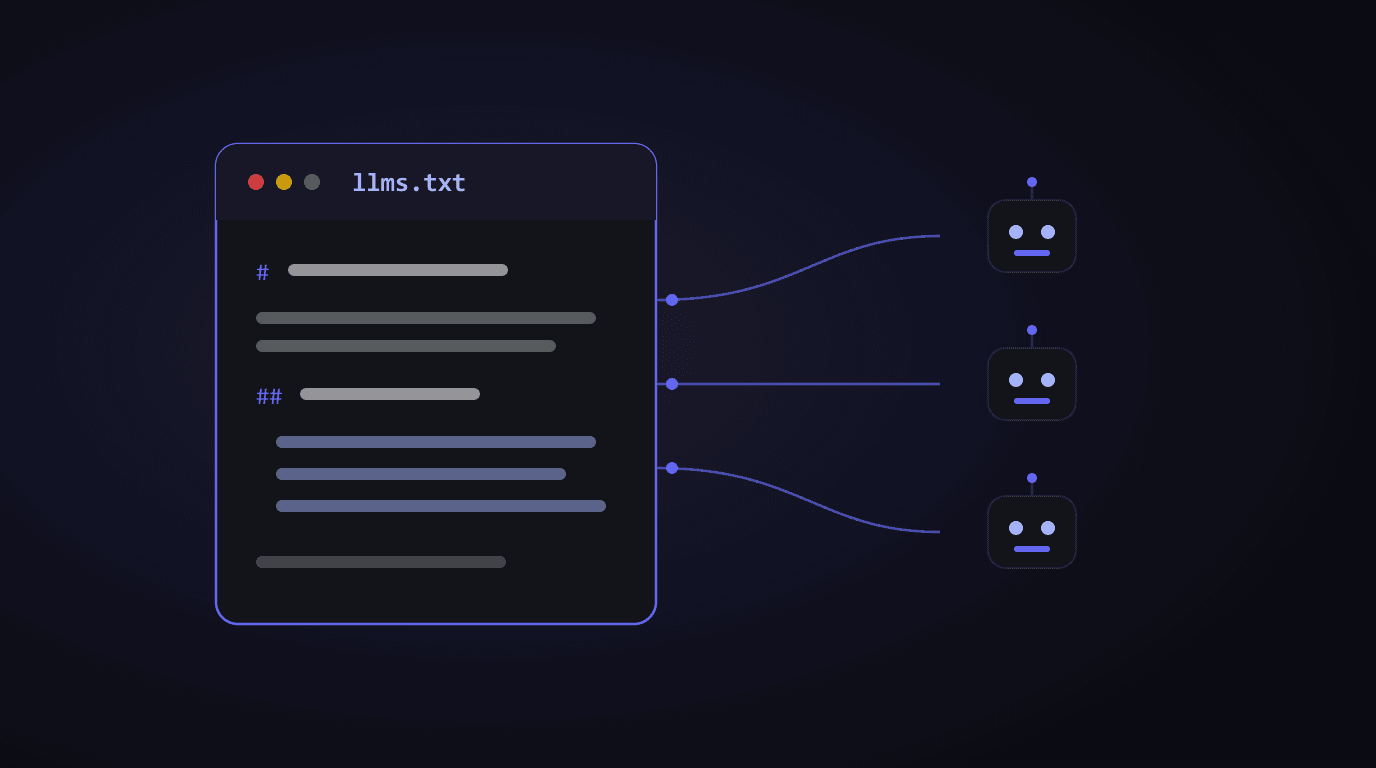
It's a simple text file, placed at the root of your website (like yoursite.com/llms.txt), that introduces your site to artificial intelligences: who you are, what you offer, and where to find your important pages.
The best analogy: it's the map you hand to a visitor in a hurry. Instead of letting them wander every corridor, you hand them a sheet: here's who we are, here are our three main services, here's where to find our guides. The visitor in a hurry, here, is ChatGPT's crawler.
Concretely, an llms.txt contains:
- The name and description of your business in one or two clear sentences
- Your essential pages, each with a link and a one-line description: services, pricing, contact, about
- Your reference content: guides, articles, frequently asked questions
All written in simple, structured text -- a format AI models read natively, with nothing to dig through.
A concrete example
Here's what an llms.txt looks like for a craftsman:
# Dupont Woodworks

> Custom woodworking in Rennes since 1994.
> Made-to-measure: staircases, walk-in closets, kitchens.

## Main pages

- [Our work](https://dupont-woodworks.com/portfolio):
  40 projects in photos, from closets to floating staircases
- [Request a quote](https://dupont-woodworks.com/quote):
  answer within 48h, free on-site visit in the area
- [FAQ](https://dupont-woodworks.com/faq):
  lead times, average prices, wood types, maintenance
That's it. No code, nothing technical: structured text anyone can write.
There's also an extended version, llms-full.txt, which contains the entirety of your important content in a single file. The short version orients; the long version lets the AI read everything at once.
Do AIs actually use it?
Let's be honest, because that's the uncomfortable question: adoption is underway, not guaranteed. The llms.txt standard is recent, and the big players don't document precisely what they do with it. Some crawlers check it, others don't yet.
So why bother? Because the math is asymmetric:
- Cost: 30 minutes. A text file, written once, updated twice a year.
- Risk: zero. The file can't break anything, slows nothing down, and is only visible to robots looking for it.
- Potential gain: real. If a crawler reads it, you control the first impression the AI forms of your business -- instead of letting it fend for itself with your menus and pop-ups.
It's the same bet as the robots.txt file in its early days: early adopters lost nothing, and they were ready when it became the standard. We cover the full set of AI accessibility criteria in Is your site accessible to ChatGPT and Perplexity?
How to create yours in 3 steps
1. Write your introduction. One sentence for who you are, one sentence for what you offer, to whom, and where. If you remember one thing: this description may be the only thing the AI reads about you. Make it count.
2. List your 5 to 10 essential pages. Not all your pages -- the essential ones: those a customer should see first. For each, a link and one line saying what's there.
3. Put the file online at the root of your site. This is the step for your webmaster or hosting provider: the file must be reachable at yoursite.com/llms.txt. Five minutes for anyone with access to the site.
Then update it when your offer changes -- like you would a sales brochure.
How to know if your site has one
Simply type yoursite.com/llms.txt into your browser. If you see an error page, you don't have one.
TryGEO checks this criterion automatically, along with 13 other AI accessibility points: crawlers allowed or blocked, content readable without executing code, structured data, semantic HTML. The diagnostic tells you what's in place, what's missing, and in what order to act.
Take action
The llms.txt is the best effort-to-impact ratio in GEO: 30 minutes of work, zero risk, and control over your first impression with AI.
This week:
- Check whether your site already has an llms.txt (type the address in your browser)
- Write your introduction and your page list -- it's writing work, not coding work
- Have it put online by whoever manages your site
Run your free diagnostic on TryGEO to check this criterion and the 13 others that determine whether ChatGPT can read you -- and cite you.
Check your visibility for free
Full diagnostic of your homepage in 30 seconds — free, no signup.
Test my siteRelated articles

Alexandre Aumont
Founder of TryGEO. Passionate about the web, artificial intelligence and chess.
July 17, 2026