How to appear on ChatGPT: the practical guide
Your site doesn't show up when someone asks ChatGPT a question? Here are 7 concrete steps to fix that, no technical jargon required.
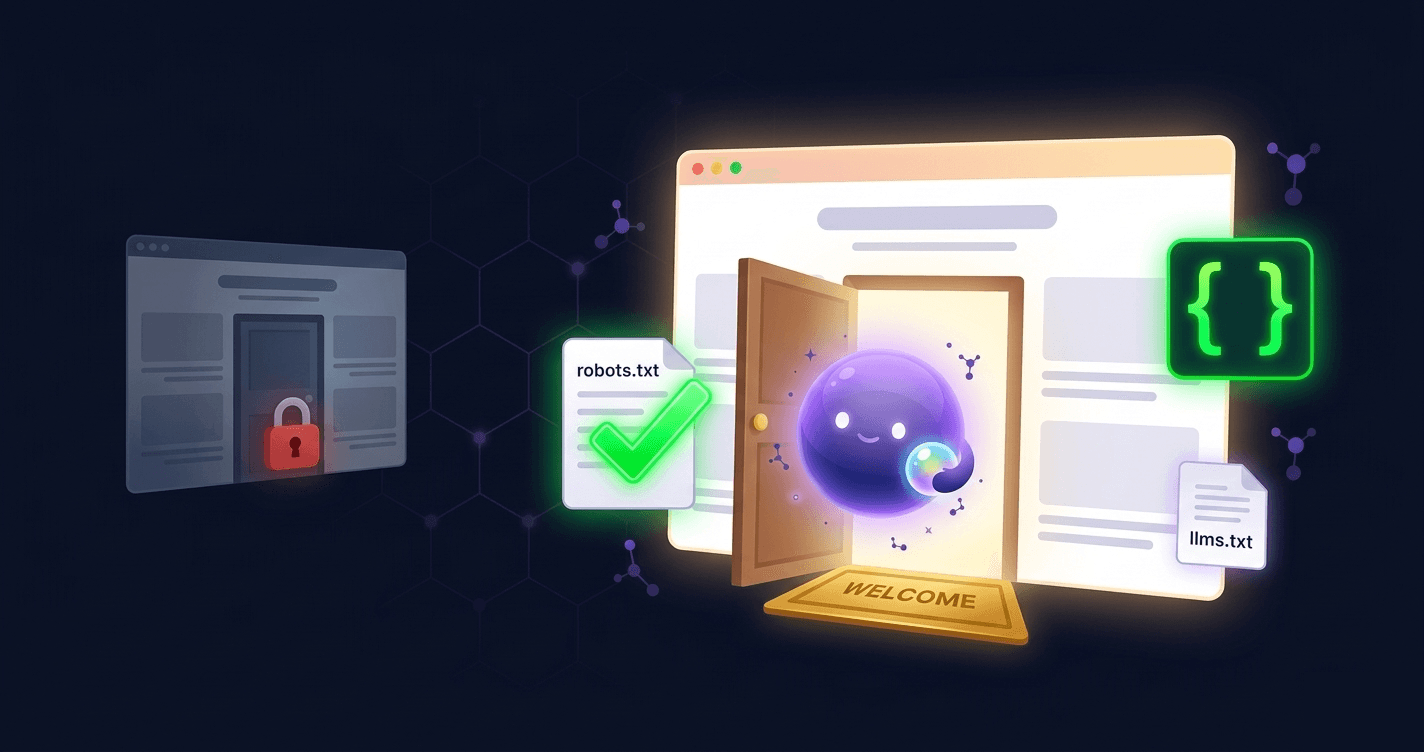
Your site might be great, but ChatGPT doesn't know it
It's a situation we see every day: a business owner has a good website, sometimes even well-ranked on Google. But when they ask ChatGPT "What's the best [their industry] in [their city]?", their name doesn't come up.
It's not random. ChatGPT and other AI don't read websites like Google does. They look for very specific signals -- and if your site doesn't provide them, you stay invisible.
The good news: these signals can be identified, and most can be fixed.
Before and after: a real-world difference
Here's what a typical small business website looks like to AI, before and after applying these steps:
Before: A restaurant's website has beautiful photos and a menu, but no author, no dates, no structured data, and AI robots are blocked. When someone asks ChatGPT "best brunch spots in Brighton," the restaurant doesn't exist.
After: The same site, with AI robot access enabled, structured data describing the restaurant (type, location, cuisine, hours), a dated "About" page signed by the owner, and a FAQ section. Now when someone asks, ChatGPT names it: "For brunch in Brighton, locals recommend [restaurant name] on the seafront, known for their eggs Benedict and weekend bottomless options."
The content didn't change. The signals did.
Step 1: Check that AI is allowed to read your site
Difficulty: Easy -- 5 minutes, no technical skills
AI sends robots to browse your site, similar to Google. But they're different ones. The main ones are called GPTBot (OpenAI), ClaudeBot (Anthropic), PerplexityBot... there are 14 in total.
The problem: your hosting provider or CMS may have blocked these robots without telling you. It's like locking your shop door and wondering why nobody comes in.
Check your robots.txt file (accessible at yoursite.com/robots.txt). If it blocks these robots, that's the first thing to fix. If you're not sure what you're looking at, your web developer can check this in under two minutes.
Step 2: Help AI understand who you are
Difficulty: Medium -- needs a developer, about 1-2 hours
When a human visits your site, they see your logo, understand your business, spot your contact info. AI needs that same information "translated" into a format it understands.
This format is called structured data. It's information invisible to your visitors but read first by AI. It describes:
- Who you are (your company, your business)
- What you offer (your services, your products)
- How to reach you (address, phone, email)
- Your common questions (if you have any)
What structured data actually looks like
Imagine you run a plumbing company in Leeds. Structured data is like a standardized form that sits invisibly inside your website's code. It tells AI, in a format it can instantly parse:
- Business type: Plumber
- Name: FastFlow Plumbing
- Location: Leeds, West Yorkshire
- Service area: Leeds, Bradford, Wakefield
- Services: Emergency repairs, boiler installation, bathroom fitting
- Phone: 0113 XXX XXXX
- Opening hours: Mon-Sat, 7am-7pm
Without this, AI sees your homepage and has to guess what "FastFlow" does. With it, AI instantly knows you're a plumber in Leeds who handles emergencies -- and can recommend you when someone asks "Who can fix a burst pipe in Leeds tonight?"
The impact is significant: when this information is present, AI gives correct answers 3 times more often.
Step 3: Organize your content as Q&A
Difficulty: Easy -- you can do this yourself in an afternoon
AI doesn't read pages top to bottom like a human. It extracts chunks of text, and it loves the question-answer format.
Instead of writing a long paragraph about your services, try this:
What services do you offer?
We've helped SMBs with their digital transformation since 2010. Our services include online presence auditing, website redesign, and content strategy.
It's easier to read for your visitors AND much easier for AI to extract. Content structured this way gets cited far more often than a wall of text.
Step 4: Make it clear who you are and when you wrote it
Difficulty: Easy -- 15 minutes per page
AI doesn't trust anonymous content. If nobody signed your page, if no date is visible, if no sources are cited -- AI considers your content unreliable.
What to add:
- Your company or author name on every important page
- The publication date (and update date if you've modified the content)
- A few links to recognized sources when you state a fact or figure
Step 5: Back up your claims with numbers
Difficulty: Easy -- ongoing habit
AI looks for concrete evidence. Content that says "most companies do this" is far less convincing than content that says "according to [reliable source], 84% of companies do this."
Every time you state a fact, add the number and the source. It's good for AI, and it's good for your readers too.
Step 6: Exist beyond your website
Difficulty: Easy to medium -- a few hours spread over time
ChatGPT doesn't rely solely on what you say about yourself. It looks for confirmation elsewhere:
- Do you have social media profiles?
- Have customers left reviews?
- Do other websites mention you?
An isolated site with no connection to the rest of the web is considered less trustworthy. Build bridges to the outside. Even a LinkedIn company page and a Google Business Profile make a measurable difference.
Step 7: Measure and adjust
Difficulty: Easy -- 30 seconds with the right tool
The hardest part is knowing where to start. Every site has different issues: one blocks AI robots without knowing, another has no structured data, a third has anonymous, undated content.
That's why we built TryGEO: to give you a precise diagnostic in 30 seconds of what's working, what's missing, and where to start. No guesswork, no technical knowledge needed.
Key takeaways
- Check that AI robots can read your site -- Easy, 5 minutes
- Add structured information (who you are, what you do) -- Medium, needs a developer
- Organize your content as Q&A -- Easy, do it yourself
- Sign your content and date it -- Easy, 15 minutes per page
- Cite your sources and add numbers -- Easy, ongoing
- Build your presence beyond your website -- Medium, spread over time
- Run a diagnostic to know where to start -- Easy, 30 seconds
Check your visibility for free
Full diagnostic of your homepage in 30 seconds — free, no signup.
Test my siteRelated articles

Alexandre Aumont
Founder of TryGEO. Passionate about the web, artificial intelligence and chess.
February 27, 2026 · Updated on March 30, 2026